NULL JSFX REMOTES
Walk away from the computer. Your DAW, your mixer or orOS Studio on your phone or tablet, over your own Wi-Fi.
Remote for DAWs beta
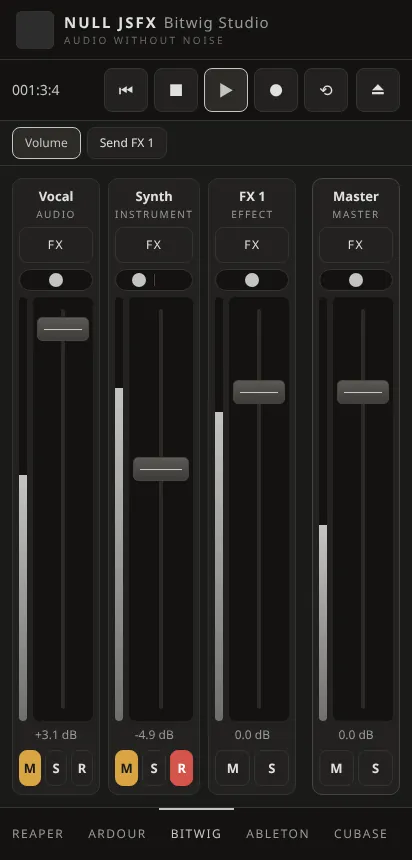
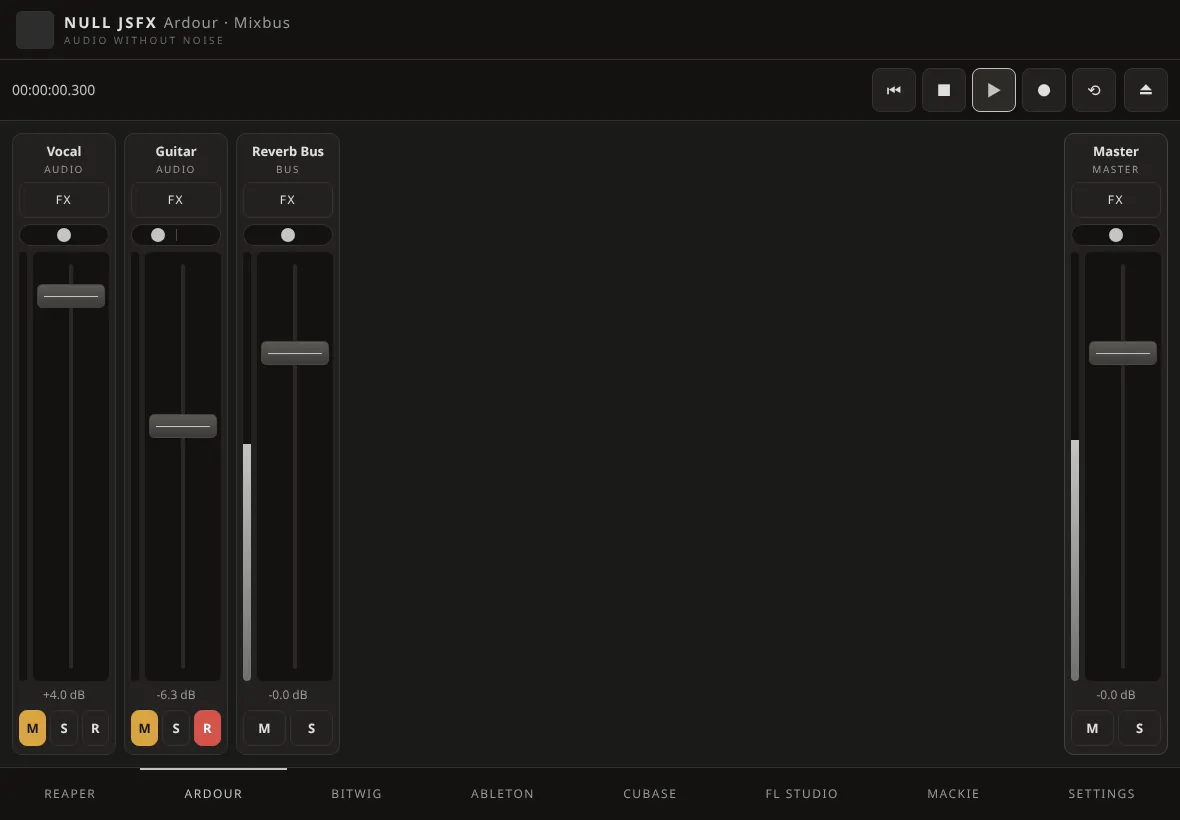
Your DAW's mixer and transport
Faders, pan, mute, solo and arm with meters, and the transport, for the DAW on your computer.
- REAPER, Ardour and Mixbus, Bitwig Studio, Ableton Live, Cubase and FL Studio
- Finds REAPER on your network; Cubase and FL Studio over network MIDI
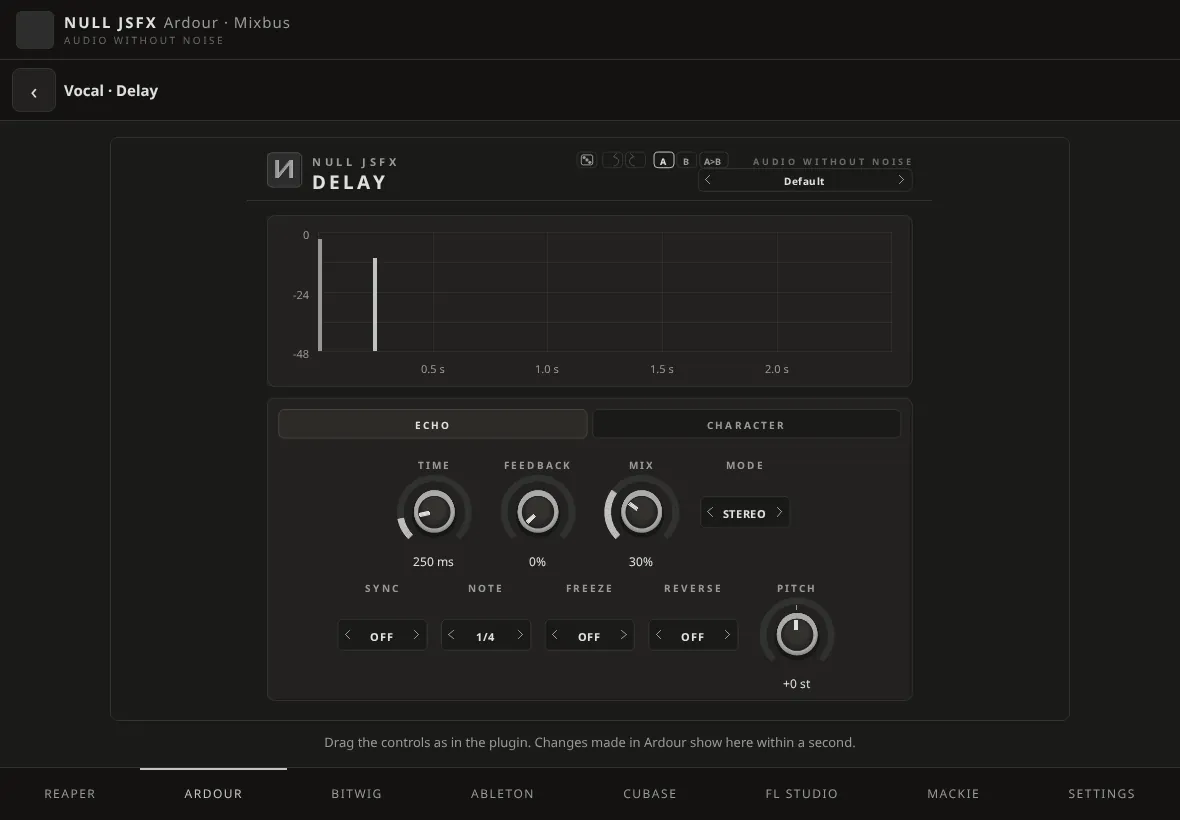
The plugin's own interface
Open a track's FX and every NULL JSFX plugin shows the interface it has on the computer, with its presets and A/B. What you turn moves in the DAW.
Sends and FX tracks
Set the sends of a track to its FX tracks, as in the DAW.
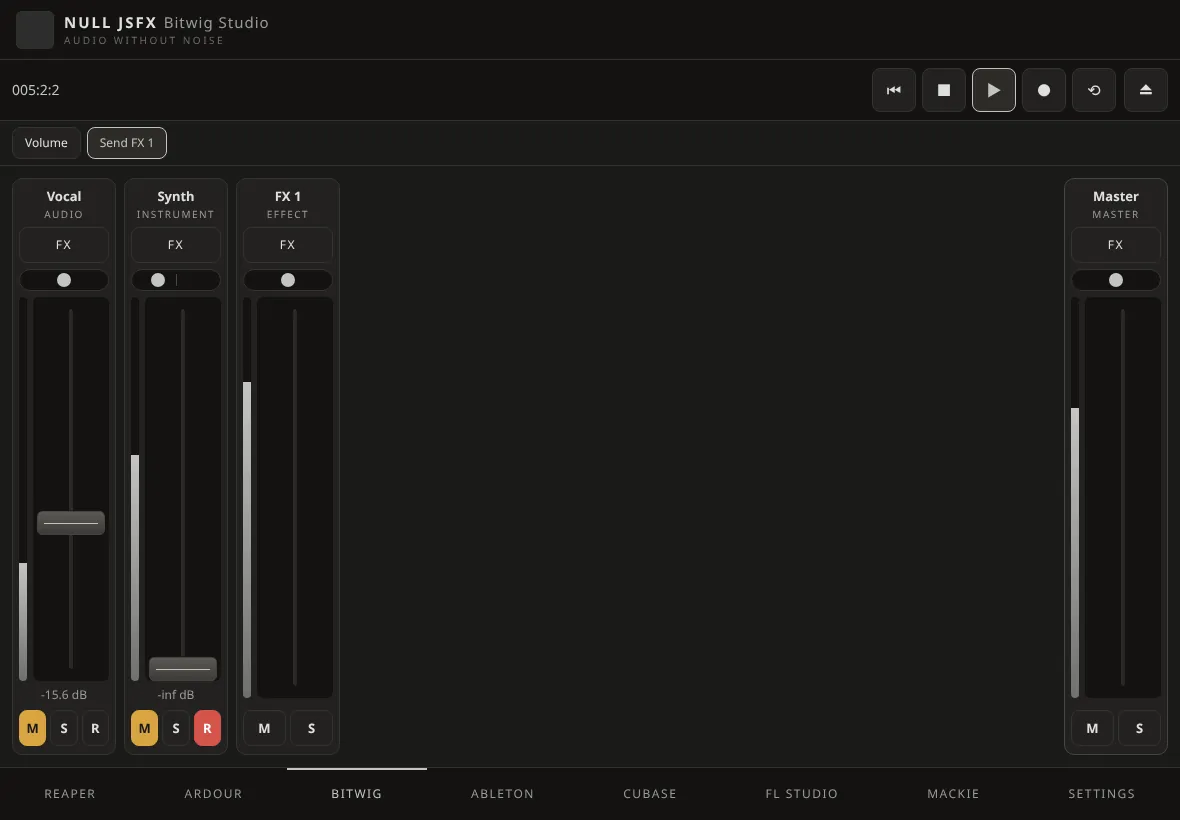
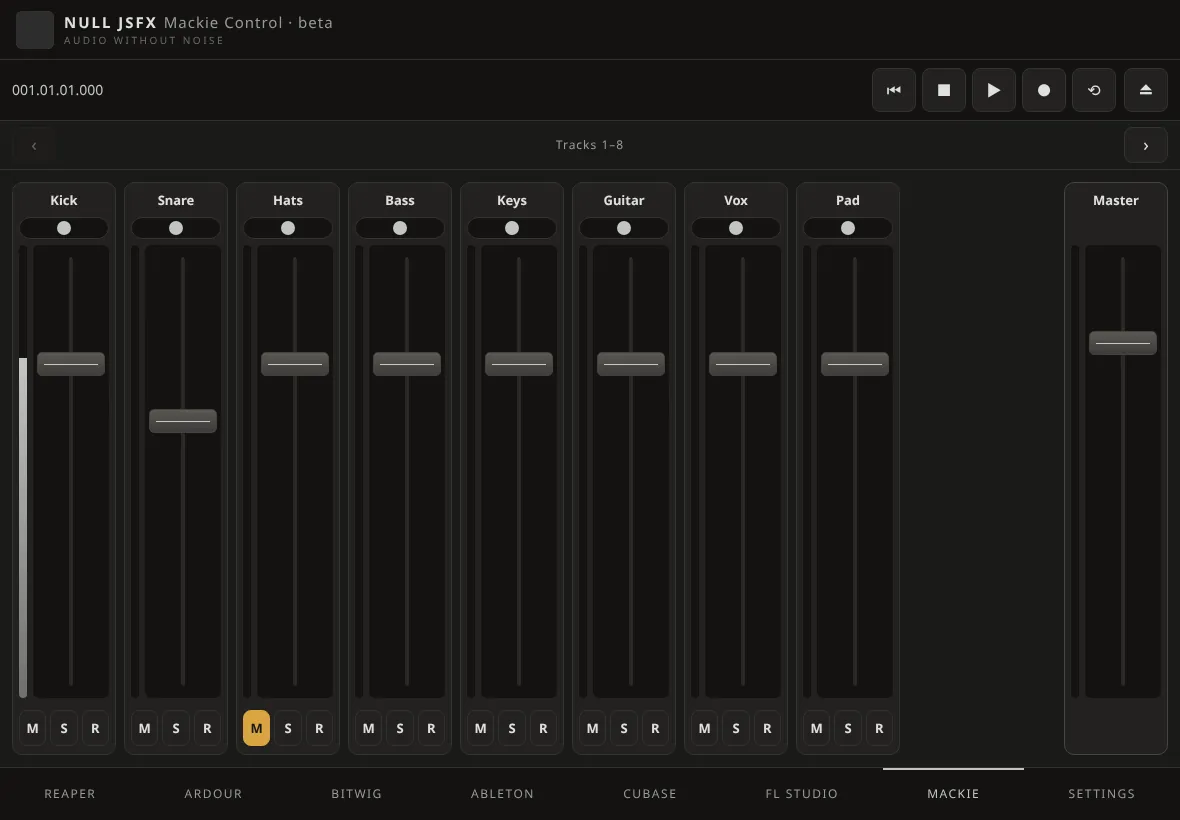
Any DAW with Mackie Control
Mixer, transport, meters and time display for Logic Pro, Studio One, Pro Tools, Cakewalk, Reason and other DAWs with Mackie Control, without plugins.
Beta: tested against software stand-ins, not yet on every real setup. Also in Koulaxizis Apps, our F-Droid repository (F-Droid, Droid-ify) or Obtainium from github.com/koulaxizis/null-jsfx.
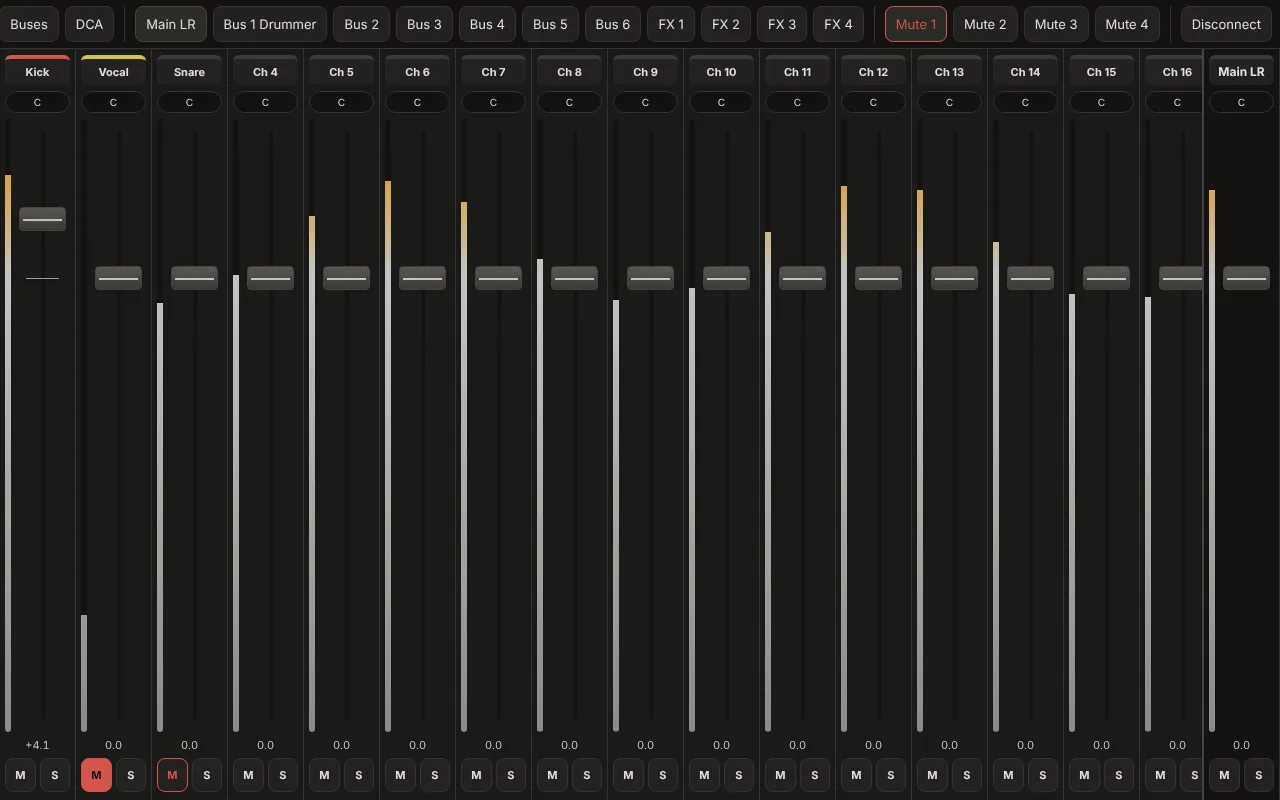
Remote for Mixers beta
Your digital mixer
It finds the console on your network and knows its model. Channels, buses, FX returns and main: faders, mute, solo, pan and meters.
- Behringer X AIR, X32 and WING, Midas M32
- Allen & Heath SQ, Qu, CQ, dLive and Avantis; Yamaha CL, QL, TF and DM7
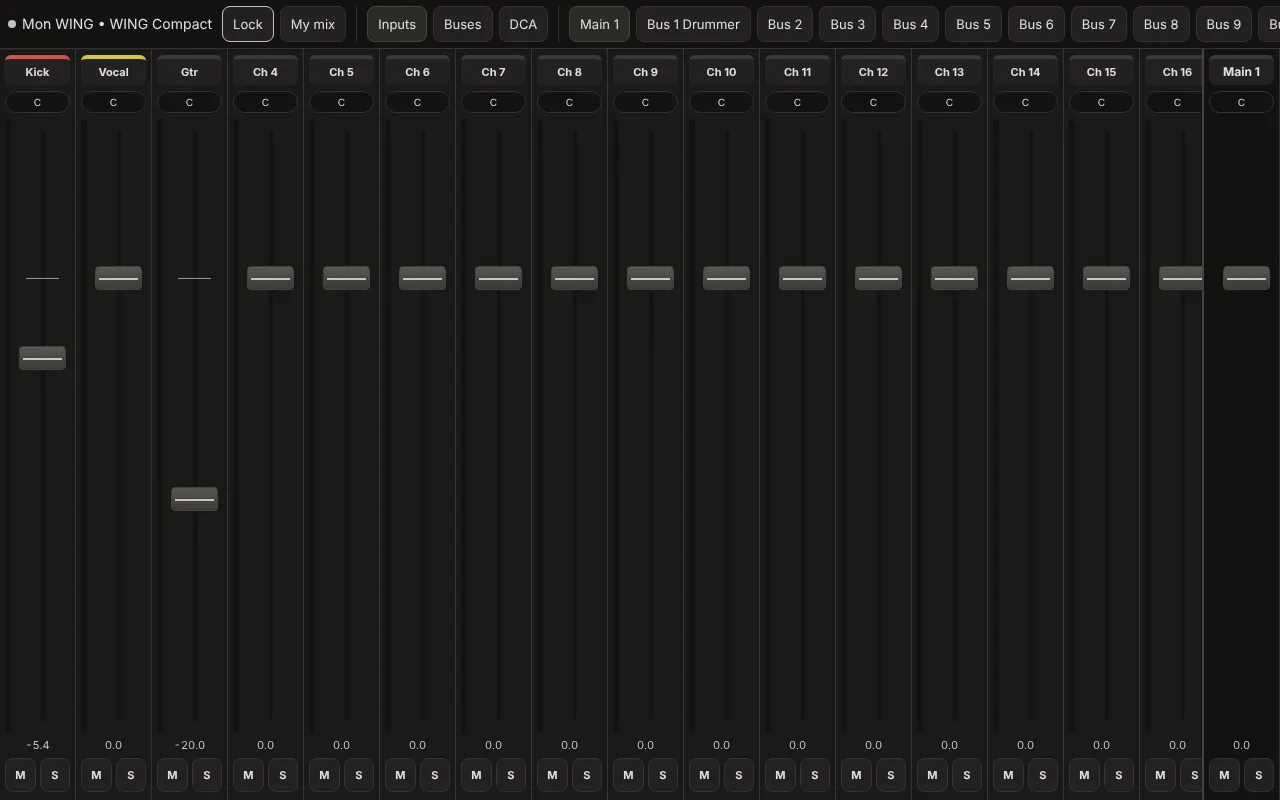
A musician's own monitor mix
Lock the app to one bus and hand it to the drummer: they set their own monitor mix and nothing else.
- Monitor sends, DCAs and mute groups
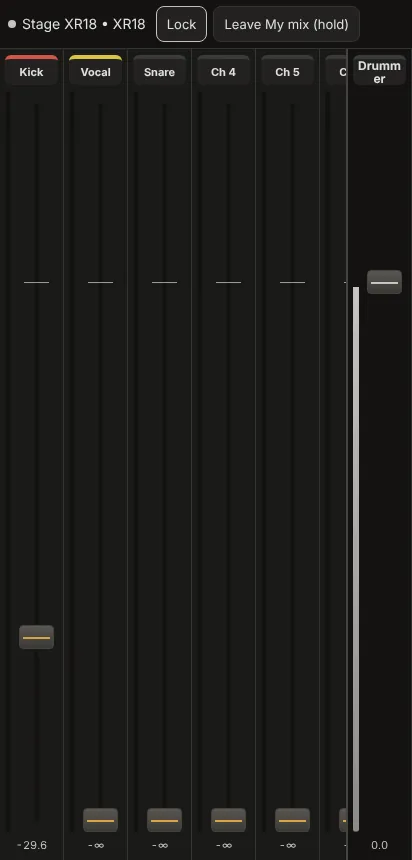
One app, many desks
Allen & Heath and Yamaha desks connect over the network too, with the same faders and mutes.
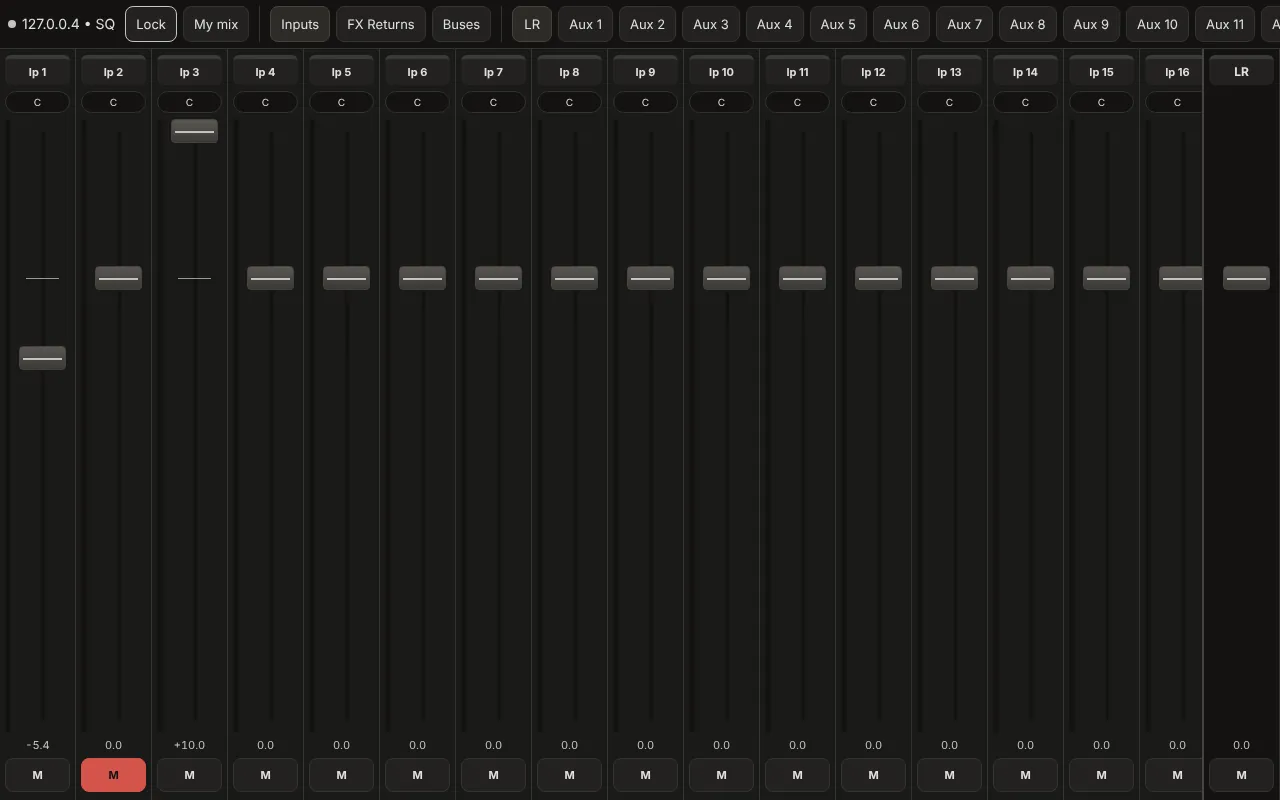
Beta: tested against software stand-ins, not yet on every real setup. Also in Koulaxizis Apps, our F-Droid repository (F-Droid, Droid-ify) or Obtainium from github.com/koulaxizis/null-jsfx.
orOS Studio from your phone
Control orOS Studio on your computer while the sound plays there. Scan the QR code Studio shows and you are in.
- Every NULL JSFX effect with its own interface, presets and A/B
- Pads and keys for the NULL instruments, recorded into MIDI clips
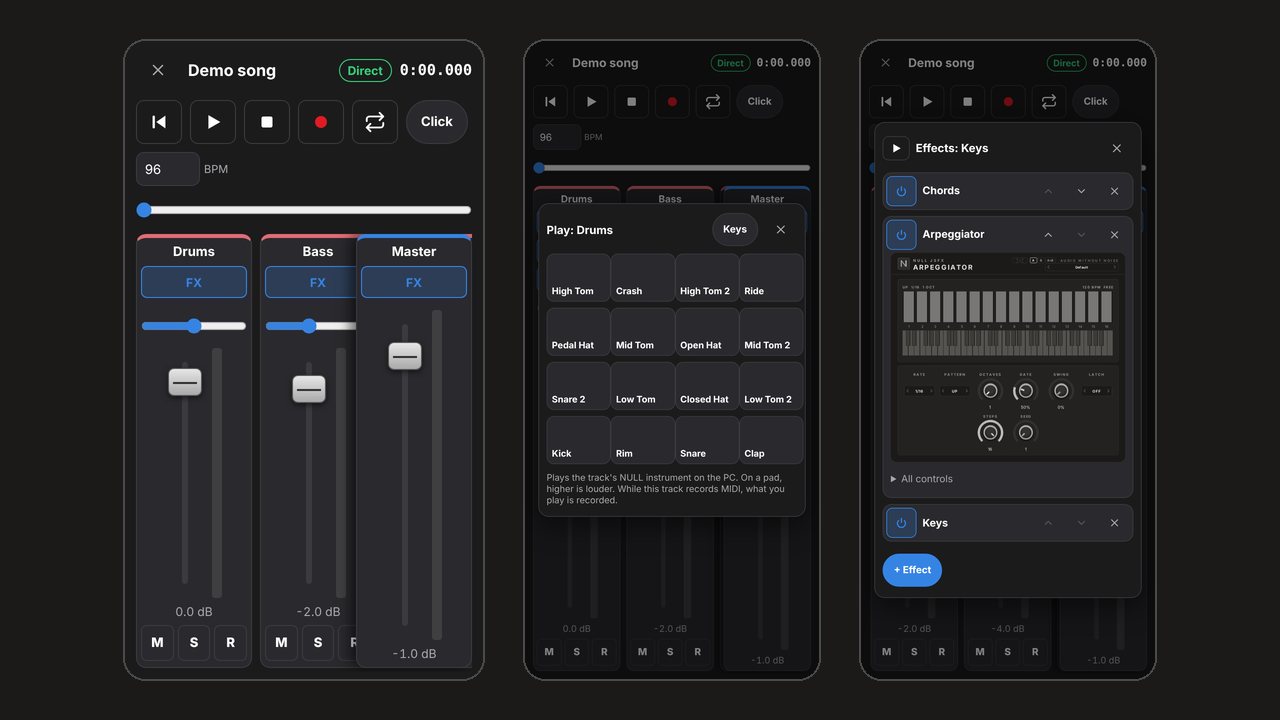
Three steps
- InstallThe APK from here, F-Droid, Obtainium or Koulaxizis Apps.
- ConnectPhone and computer or mixer on the same Wi-Fi: it finds REAPER and the consoles, or you type the address.
- MixFrom the stage, the booth or the couch.