SHIFT MOD
A slowly drifting frequency shift on the sides, optional ring modulation, a wide band-pass and extra width.
JSFXGFXPIN ROUTINGMODULATIONRACK PRESET
Signal flow
As it opens in REAPER
FX: Shift Mod
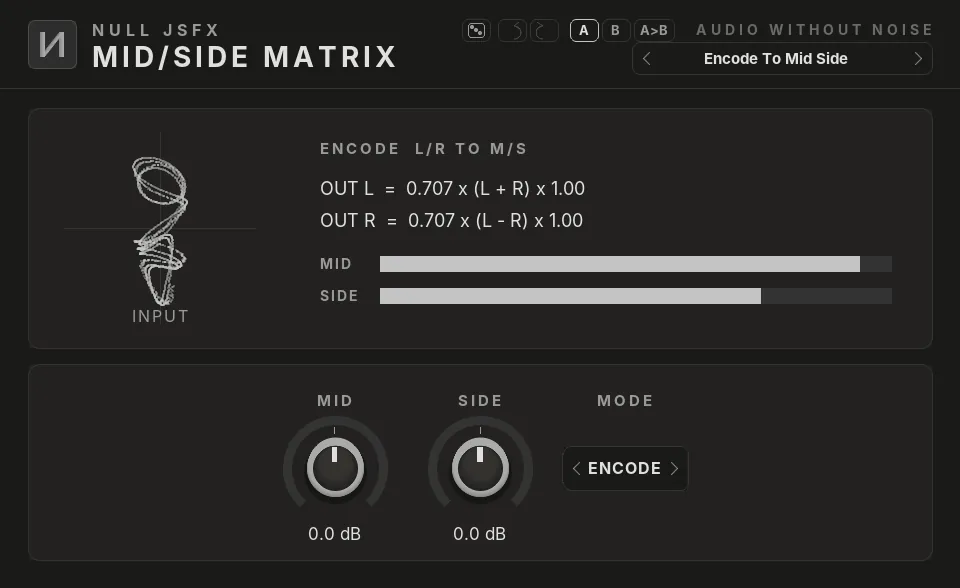
Click a plugin in the list to see it. The pictures are the real NULL JSFX GFX interfaces, drawn with this chain's settings; the window around them is drawn by this site, so REAPER's own frame looks a little different.
The settings
What the chain changes from each plugin's defaults. Every control stays free to change after you load it.
1Frequency Shifter Side
- Shift5 Hz
- Mix50%
2Ring Mod
- Carrier Freq300 Hz
- Mix0%
3Filter
- Cutoff700 Hz
- Resonance0.3
- Gain3 dB
- ModeBand Pass
4Stereo Width
- Width130%
Modulation
- LFO 1 moves Frequency Shifter · Shift by +0% (Sine, 0.1 Hz)
- Macro 1 moves Ring Mod · Mix by +60%
In REAPER an LFO is a parameter modulation and the envelope an audio control signal on the control it moves; a macro is the control with the largest depth, and the others follow it through parameter links. The Rack preset of the same name has them as real LFOs, envelope and macro knobs.
Load it
- Install NULL JSFX with the Hub or the JSFX download: the chains come in its
FXChainsfolder. - In REAPER, open a track's FX window and pick FX → Add FX chain, then NULL JSFX (REAPER's sliders) or NULL JSFX GFX (our interfaces), then Shift Mod.
- In any other DAW: load the NULL JSFX Rack (VST3 or CLAP) and pick its preset Shift Mod.
Download free
Part of NULL JSFX 4.1: 174 plugins and 89 FX chains, free and open source (MIT).